
How to add Login and Register Modal
SeeKo: How to add Login and Register Modal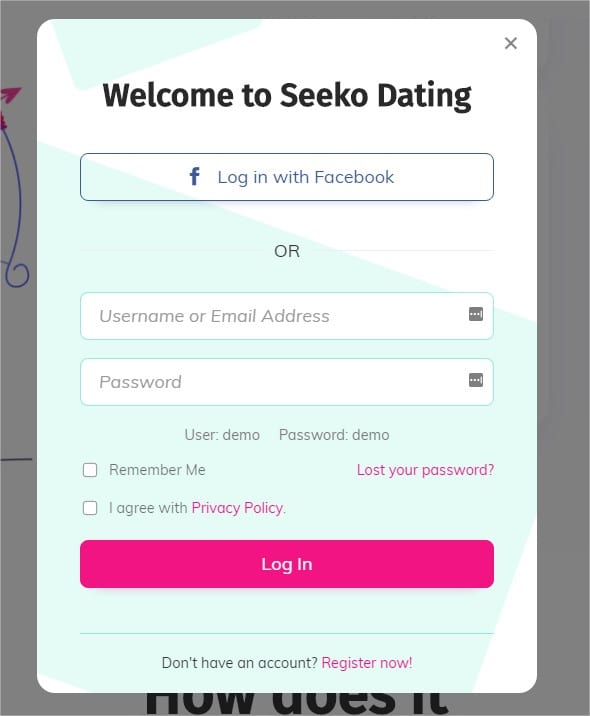
-
To enable the login and register modal, activate Login Booster - Ajax Login & Facebook on the Plugins tab of Appearance > Seeko Panel
-
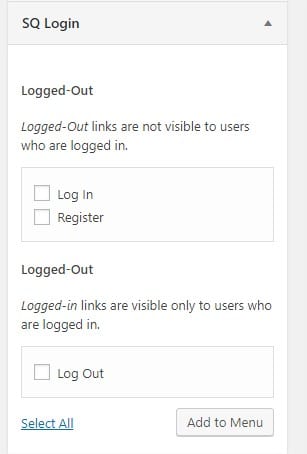
Once done, go to your Menu panel at **Appearance - Menu **at the top of the page, open **Screen Options **and check SQ Login

- Check the Menu sidebar to find the special menu items and add them to your menu.
That’s all!
Enjoy Seeko :)