
Saving Customizer Settings(Import/Export)
BuddyApp: Saving Customizer Settings(Import/Export)If after performing an action such as the following:
-
Switching Themes
-
Renaming Theme
-
Activating Child Theme
You notice that Customizer settings are lost or changed.
This happens because Customizer settings are saved based on the active theme name. We recommend to export customizer settings and keep a backup just in case.
For example, if you have been working with the main theme, activating the child theme won’t keep the Customizer settings, you need to export them first and then import them on the child theme.
How to Export Customizer Settings:
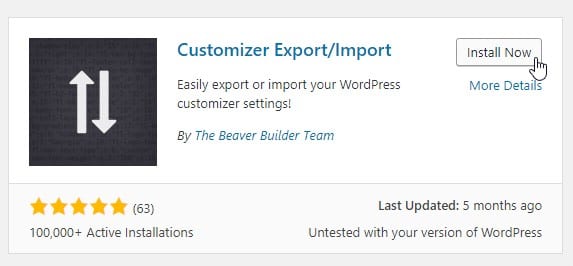
Section titled “How to Export Customizer Settings:”- Install & Activate: Customizer Export/Import
-
Go to** Appearance - Themes** and make sure to have the **initial theme **active so we can export those settings.
-
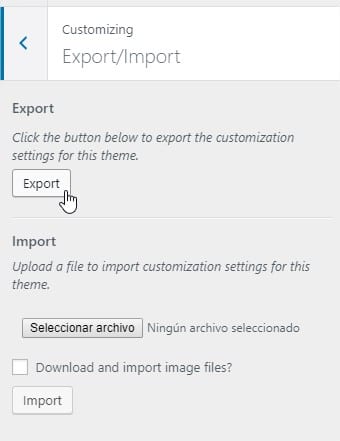
Go to Appearance - Customizer - Export / Import
-
Click EXPORT to backup your Customizer settings.
-
Now you can switch to your theme, that one where you need the settings migrated, most probably the child theme.
-
Go to Customizer - Import/Export and just add the** backup file** to the Import section.
That is it.