
Error 404 - Page not found
Common guides: Error 404 - Page not foundAn Error 404 is generated when the browser is unable to find a page, image, video etc. It’s not unusual to see an Error 404 in WordPress and the most common cause is updating a custom post type or taxonomy, this can occur when updating a plugin.
Resolving Error 404
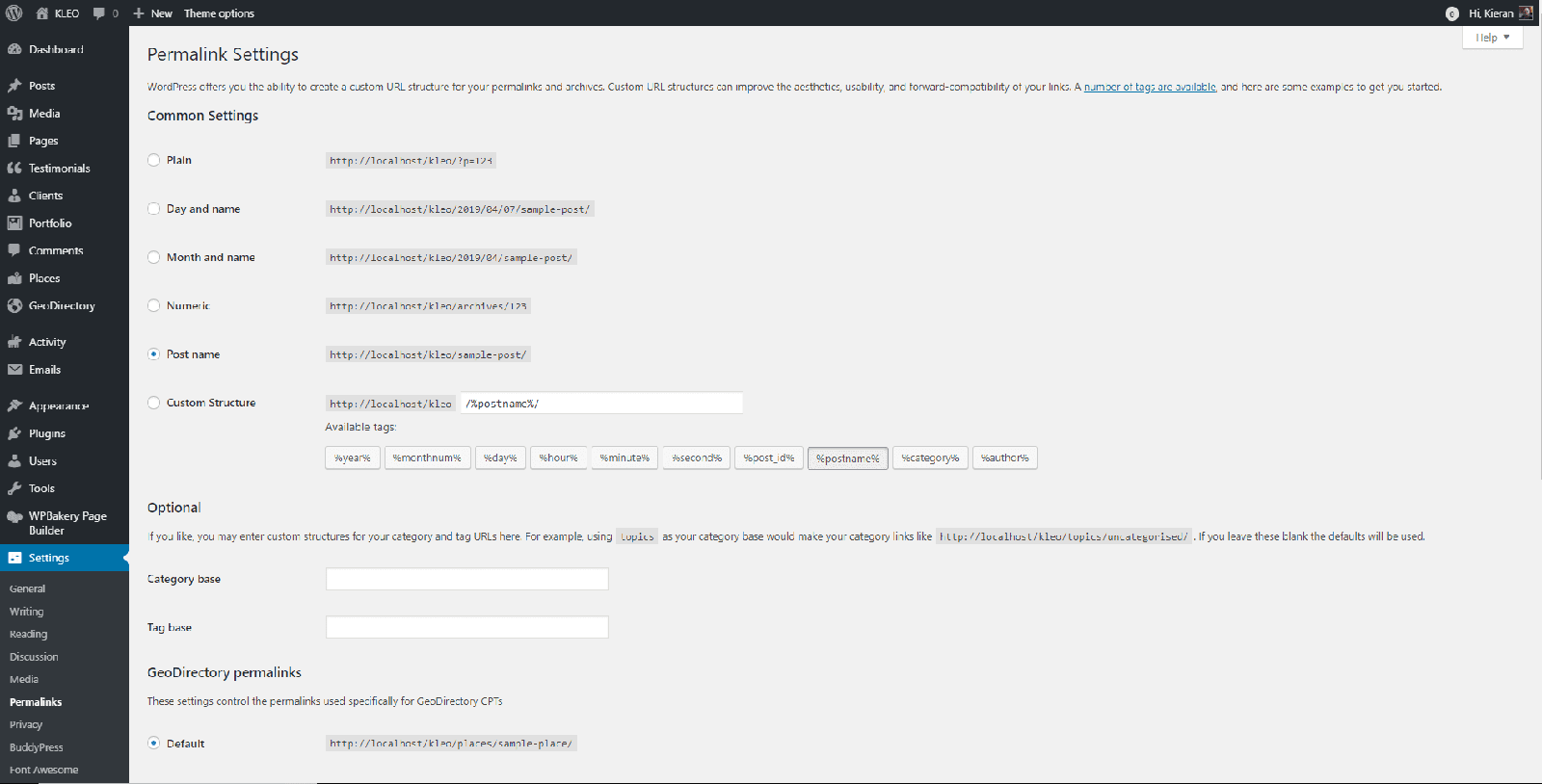
Section titled “Resolving Error 404”Go to WP Admin > Settings > Permalinks and re-save your permalink options. Even if there is no change to your settings click ‘Save’. You should now see the error 404 for a page is no longer present.
_Note: If you’re using BuddyPress it is important that you select ‘Post name’ as the permalink option for BuddyPress to work correctly. _