Customizer
SeeKo: CustomizerAll theme general settings are found under WP admin - Appearance - Customizer - Seeko options. Here you can find the following sections:
-
Layout: Sidebar left, sidebar right or full page general layout. This can be changed also at page level
-
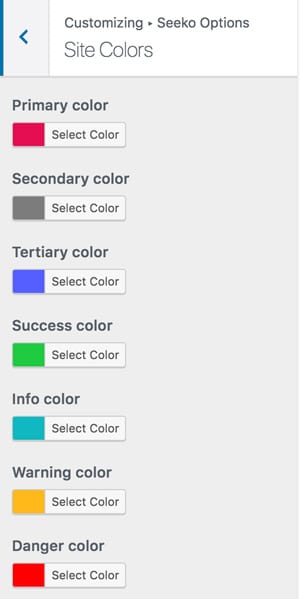
Site colors: Change the overall site colors, buttons colors and background,
-
Typography: Choose from hundreds of Google Fonts for your text and headings. Also you have the option to download Google fonts locally if you are concerned about GDPR.
-
Blog: Here are all the blog related settings like posts archive and single layout, as well as settings related to image sizes.
-
Footer: you can set here the background and colors for your footer
-
Breadcrumb: Enable/Disable it and set the specific colors for the section
-
Performance: You can choose to Enable/Disable image lazy load and to preload some theme loaded assets
-
404 Page: Customize the appearance of your page, choose an image and related links to suggest for your users
-
Miscellaneous: Basic maintenance mode and to enable development mode, which will load all the theme assets not minified.